Full screen, no skip
Most of these slots play all the way through, which is why people remember them.
Connected TV
Full screen video inside streaming apps on smart TVs. Choose the areas you want to reach, set a budget and run it next to your other campaigns.
Start a campaign
Connected TV means the ad-supported streaming people watch on a smart TV: films, shows and live channels inside streaming apps.
Your spot plays full screen, usually without a skip button, and is bought by area rather than by individual, so it reaches the household.
It looks like a TV ad, but you buy it the way you buy the rest of your advertising, with a daily budget you control.
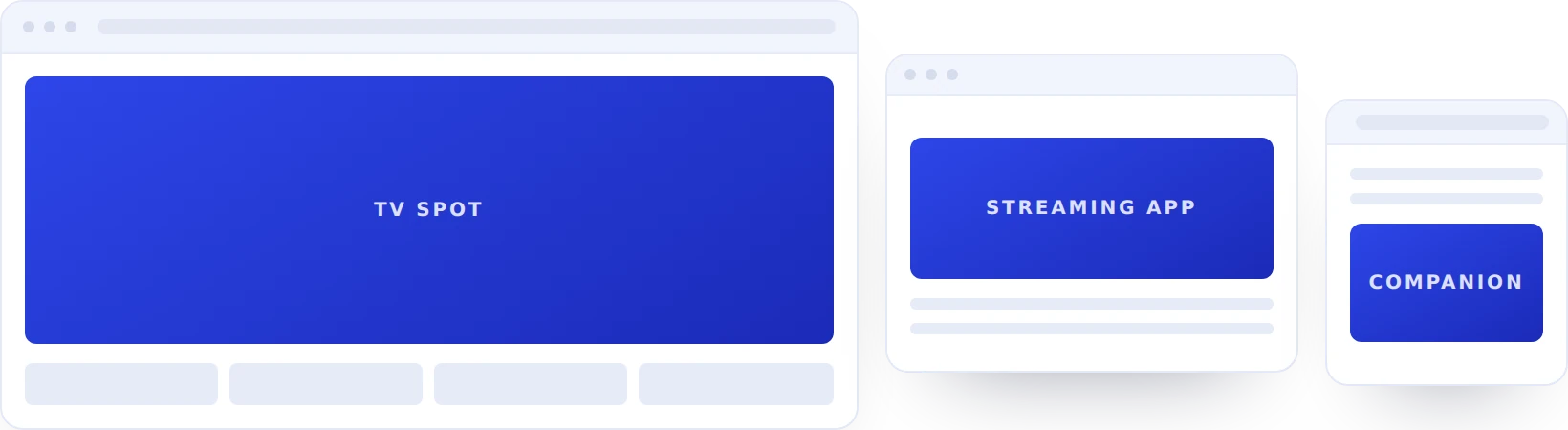
Why connected TV
Most of these slots play all the way through, which is why people remember them.
Run in the states, cities or areas you care about, with a separate budget for each.
You are not buying a national TV slot. Start with a test budget and grow it if it works.
Plan it with your banners and video so the same household is not shown too often.
Who advertises
Promote a new title or a trial to households that already stream.
Seasonal pushes and launches, backed up by banners the same week.
Show the destination on the big screen when people are planning trips.
Regional brand campaigns, run only where you are allowed to advertise.
What you get
Every site and app is listed with what it cost and what it returned, and you can block the ones that do not work.
Bids, budgets, timings and blocked sites can all be edited mid-campaign, without rebuilding anything.
Ad requests are checked before we bid and every creative is reviewed before it runs, so your budget reaches real people.
Pay per thousand views or per click, whichever suits the campaign. What you bid is what you pay, with nothing added at the end of the month.
Upload several versions and the system keeps showing the ones that get results.
Someone who buys media every day helps with your first plan and your first round of changes.
Questions
What advertisers ask us before their first connected TV campaign.
A 15 or 30 second video at 1080p with clean audio. It does not need to be a TV commercial, but it should look right on a big screen.
No, there is nothing to click on a TV. Use a clear brand and a simple message, and measure visits to your site after the ad ran.
You get how many households were reached, how often, and how many watched the whole spot, broken down by area.
You can allow or block app categories and specific streaming apps, and see where your ad ran in reporting.
Send your video, choose your areas and set a budget. We will help you get the first campaign live.